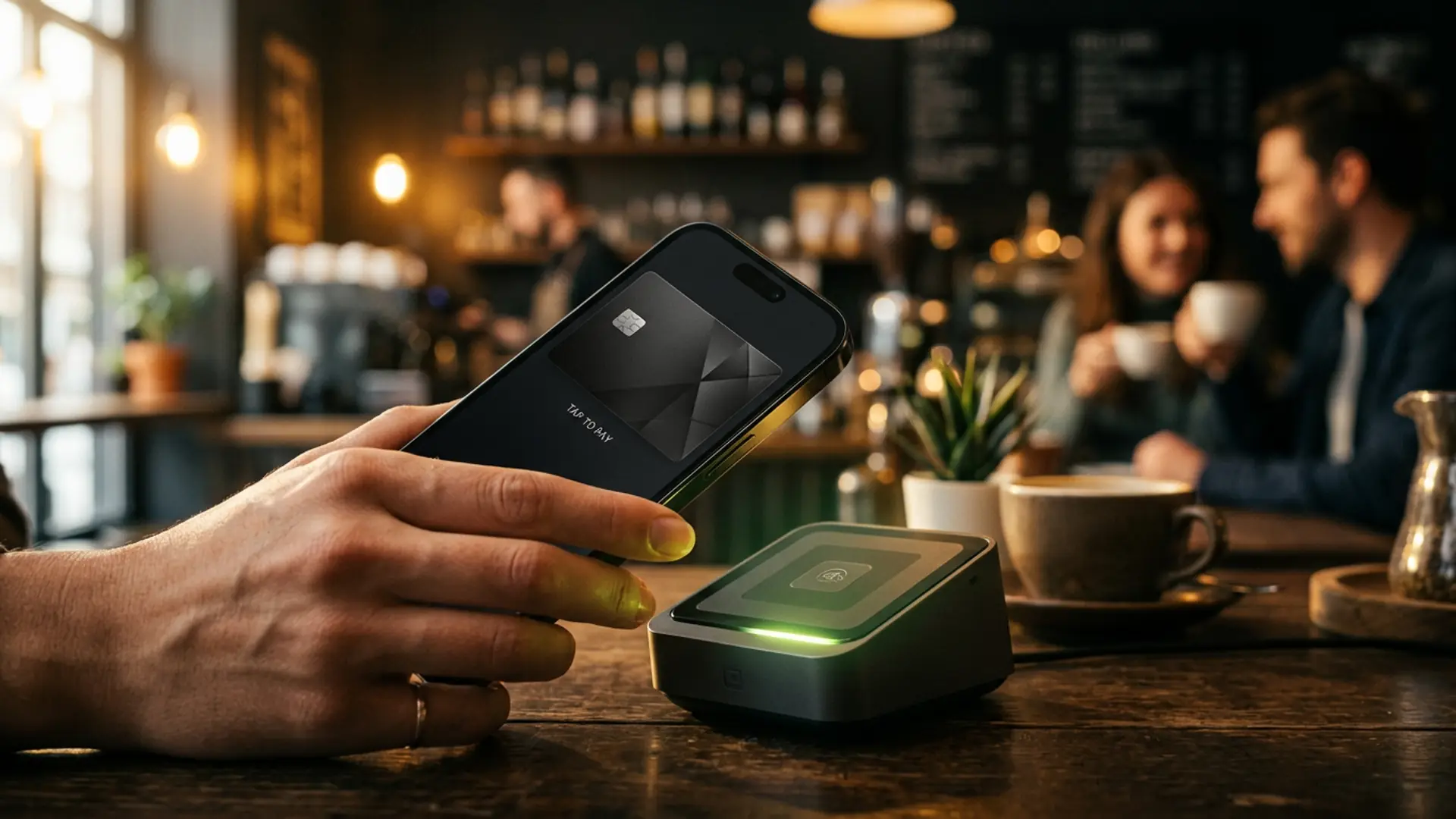
Mobile wallets

Tap to pay.
From day one.

Add any Cryptocardium card to Apple Pay or Google Pay the moment it's issued. Sixty seconds from signup to your first contactless tap, anywhere in the world.

iOS 13.0+ & Android 7.0+ Apple Watch & Wear OS 80+ countries
Two wallets

Whichever phone you carry.

Apple Pay on iPhone, Apple Watch, iPad and Mac. Google Pay on Android phones and Wear OS watches. Same card, same balance, same instant provisioning.

Apple Pay iOS · iPadOS · watchOS · macOS
  • iPhone 6 and later · iPad mini 3+, iPad Air 2+, iPad Pro
  • Apple Watch (all generations)
  • Mac (Apple Silicon and Touch ID models)
  • One-tap "Add to Apple Wallet" from your dashboard
  • Available in 80+ countries and regions
Best with Visa Platinum
Google Pay Android · Wear OS
  • Android 7.0+ devices with NFC
  • Wear OS watches (Pixel Watch, Galaxy Watch, Fossil, etc.)
  • Chrome browser for one-click web checkout
  • One-tap "Add to Google Wallet" from your dashboard
  • Available in 80+ countries and regions
Best with Visa Platinum
How it works

From signup to tap, in three steps.

01

Issue a virtual card

Open your dashboard, pick the BIN (Visa Platinum recommended for wallets), fund it with crypto. Live in seconds.

~45s · zero KYC
02

Add to your wallet

Tap "Add to Apple Wallet" or "Add to Google Wallet" directly from the card view. Authenticate with Face ID, Touch ID or your phone PIN. Done.

~15s · one-tap provisioning
03

Tap to pay

Hold your phone near any contactless terminal. Pay for coffee, subway, ride-hails, dinner, online checkout — anywhere Visa works.

Live · 200+ countries
4895 17•• •••• 4218
Cardholder CARDIUM
Expires 08/29
VISA
Recommended BIN

Visa Platinum
made for wallets.

Our highest mobile-wallet compatibility, lowest provisioning friction. Issued instantly, ready for Apple Pay and Google Pay the moment it's live.

  • BIN 489517 — Visa Platinum, premium acceptance everywhere
  • Highest approval rate on wallet-provisioning systems
  • $3,500 per transaction · $35,000 per month
  • 3-D Secure challenges in-app (Face ID / Touch ID approve)
  • Tap-to-pay everywhere contactless is accepted
Where you'll use it

Tap, every day, everywhere.

Coffee & daily retail

Tap at any contactless terminal. Cafés, supermarkets, pharmacies — anywhere a Visa logo is on the reader.

Subway, transit, tolls

Most big-city transit systems accept tap-to-pay direct. London, NYC, Paris, Sydney, Singapore — your phone becomes your ticket.

Online checkout

Use the Apple Pay or Google Pay button on supported merchants. Faster than typing the PAN, more secure than autofill.

Travel & everywhere else

Land in any of 80+ countries with Apple Pay or Google Pay support. Tap immediately — no foreign-currency setup, no PIN to remember.

Common questions

Apple Pay and Google Pay, answered.

Which BIN should I use for wallets?
The Visa Platinum (BIN 489517). It's the BIN we tuned for highest mobile-wallet compatibility. The other virtual BINs work too, but Platinum has the lowest provisioning friction across iOS and Android.
Can I add the physical Gold card to my wallet?
Yes. Once your physical Gold card is delivered, you can add it to Apple Pay or Google Pay just like any virtual card — same one-tap "Add to wallet" flow, same provisioning.
What about Samsung Pay or Garmin Pay?
Samsung Pay is supported via Google Pay on Samsung devices running Android 7.0+. Garmin Pay isn't currently supported — we're tracking it.
How long does provisioning take?
Around 15 seconds end-to-end. The card is tokenised by the issuer, a device-specific PAN is generated, and your phone receives the token. After that, every tap goes through the tokenised PAN — your real card number is never sent to the merchant.
Does my real card number ever leave my phone?
No. Apple Pay and Google Pay both use device-specific tokens. Even if a merchant is breached, the leaked token can't be used outside your specific device. This is one of the reasons mobile-wallet payments are more secure than card-present.
Are there extra fees for mobile-wallet payments?
None on our side. Apple and Google don't charge cardholders either. The only fee that applies is the standard card load fee (2%) at the time you fund the card.

Browse the full FAQ →

Tap to pay

Sixty seconds.
Then your phone is your wallet.

Issue a Visa Platinum, add it to Apple Pay or Google Pay, tap at any contactless terminal on Earth.

FAQ

Apple Pay and Google Pay, answered.

Everything people actually ask. Last updated .

Does Cryptocardium support Apple Pay?

Yes. Every Cryptocardium card — virtual and physical — can be added to Apple Pay at issuance. The Visa Platinum BIN range (489517) is tuned specifically for mobile wallets with the highest compatibility and lowest provisioning friction.

Does Cryptocardium support Google Pay?

Yes. Same coverage as Apple Pay: every BIN supports Google Pay, with Visa Platinum (489517) being the dedicated mobile-wallet BIN. Provisioning takes seconds after card issuance.

How long does it take to add a card to Apple Pay?

Median total time from signup to tap is around sixty seconds, including the on-chain top-up confirmation. Provisioning the card itself to Apple Pay typically takes under five seconds once issued.

Can I add a physical Cryptocardium card to Apple Pay?

Yes. The physical Visa Gold supports the same wallet provisioning rail. You can carry both the metal physical card and tap with your phone interchangeably; both share the same balance.

Where can I tap to pay with a Cryptocardium card?

Anywhere Visa or Mastercard contactless is accepted: roughly forty million terminals in 200+ countries. That covers supermarkets, transit (subway, buses, tolls), taxis and ride-hails, restaurants, ATMs, plus every online checkout taking the network.

Does Cryptocardium charge extra for Apple Pay or Google Pay use?

No. Tapping with Apple Pay or Google Pay is no different from tapping with the physical card or paying online: the standard 2% card load fee applies, plus the 1.5% FX margin on non-USD transactions. There is no wallet-specific surcharge.

Is there a CVV typing step when provisioning?

No. Cryptocardium uses network tokenisation, so the card is pushed straight to the phone wallet from the panel with no CVV or PAN entry. The token is unique per device and revocable independently from the card itself.

What happens if I lose my phone?

The wallet token is independent from the card. Remove the device through Find My iPhone / Google Find My Device and the token is invalidated; the card itself stays live. You can also freeze the card from the panel as a belt-and-braces measure.